Dashboard builder - Reporting.dev
Designing dashboard builder feature for reporting.dev to help small SaaS owners seamlessly create and embed dashboards in their app.
Intro
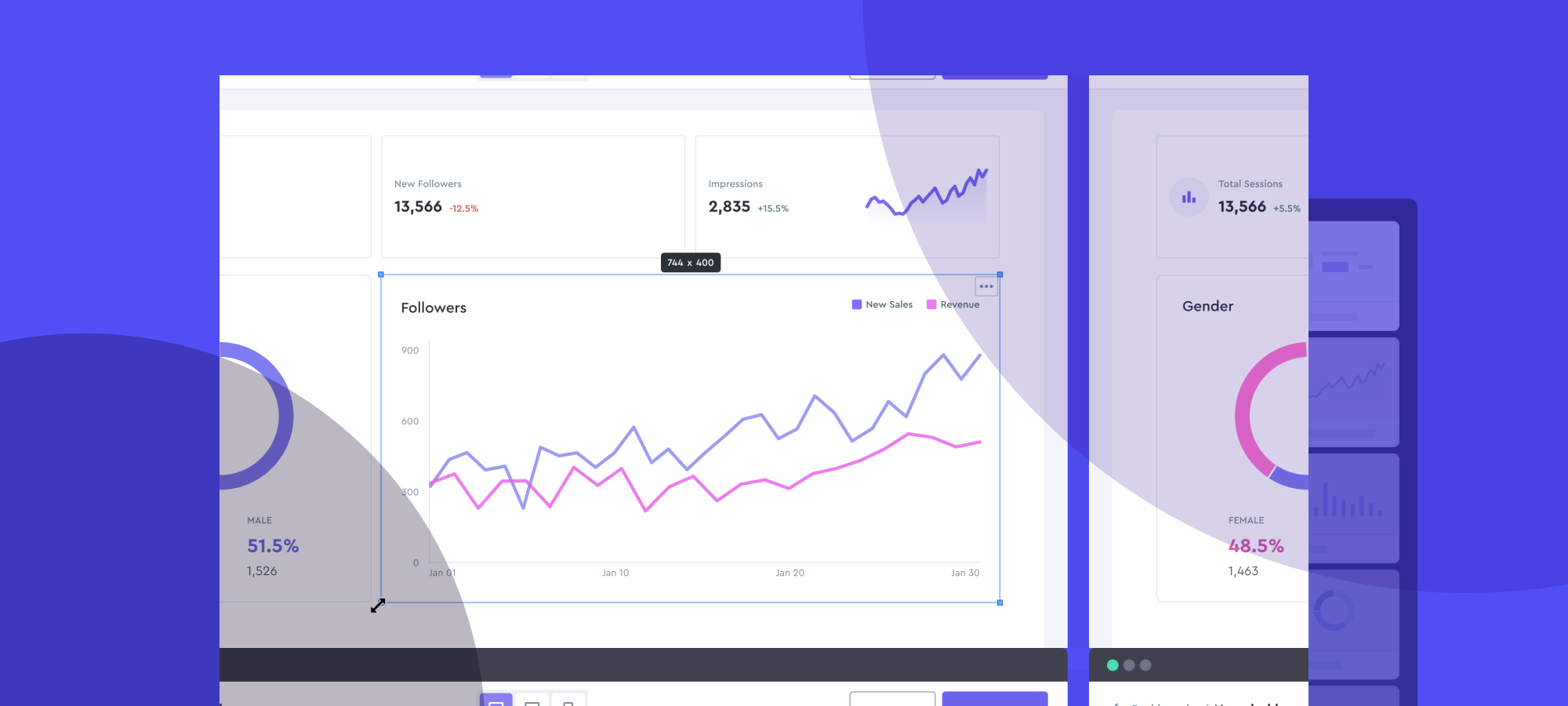
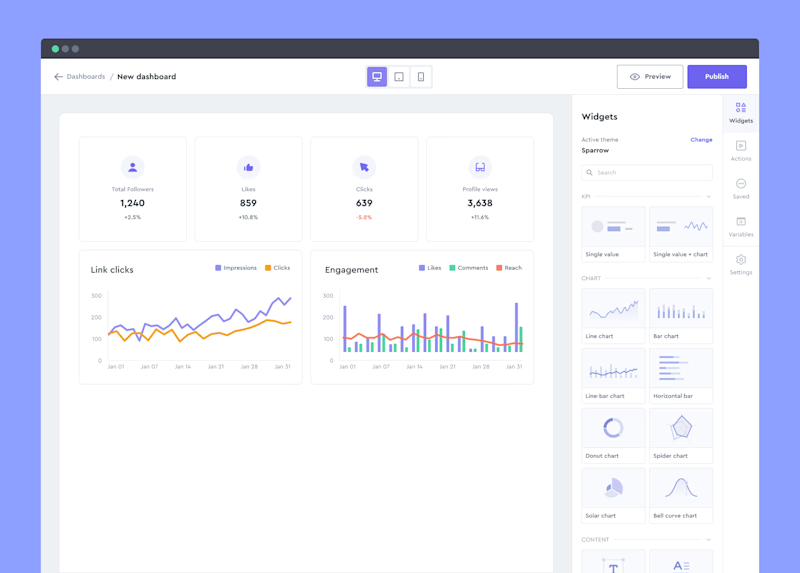
reporting.dev is a low-code app that helps small SaaS founders streamline and fast-forward their product development process by letting them create their dashboards easily using drag-n-drop components in a visual interface.
Audience
We had a few folks in mind when building reporting.dev:
- Non-techy founders who need a simple dashboard for their product.
- Small teams looking to whip up an MVP as quickly as possible.
- Startups that want internal dashboards without the usual headaches.
The Challenge
Our mission was clear: streamline the product development process by making dashboard creation a breeze, especially for those who aren't coding wizards. We wanted founders to focus on what they do best without getting bogged down in technical details.
Process
1. Research
First up, we needed to understand the problem inside out.
- Validating the Problem: Chatted with several small SaaS founders to grasp their pain points with dashboard creation.
- Brainstorming Ideas: Threw around a bunch of ideas—nothing was off the table.
- User Interviews: Narrowed down our concepts and got feedback from potential users.
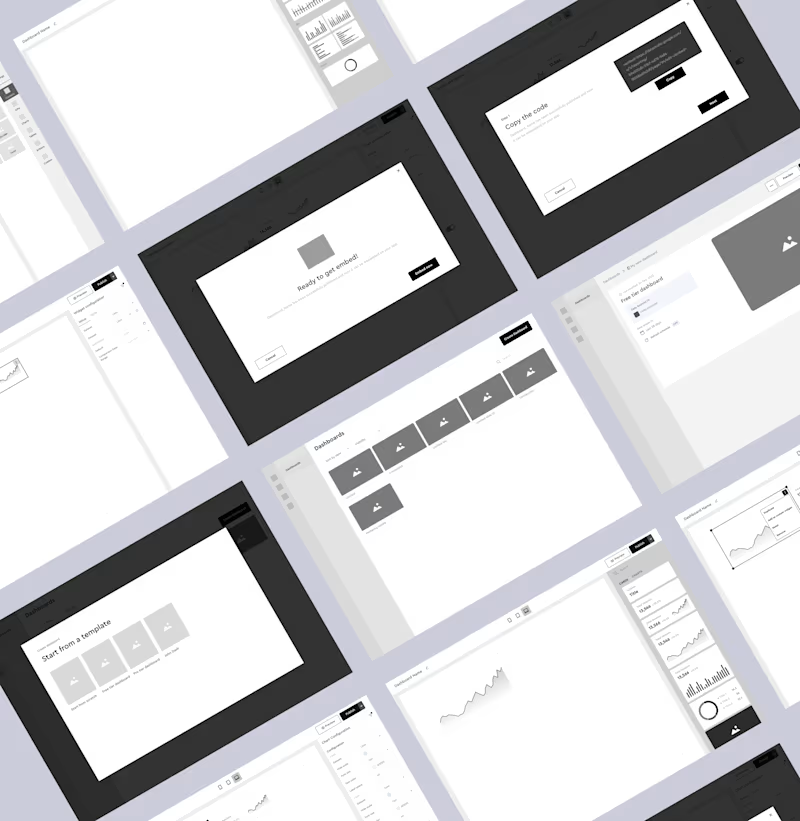
- Wireframing and Testing: Sketched out initial wireframes and tested the flow with a few friendly users.
2. Design
With solid insights, we dove into designing the solution.
- Visual Design (First Draft + Design System): Crafted the initial look and feel, while starting a design system for consistency.
- Prototyping + Testing: Built interactive prototypes and put them in front of users. Their feedback was pure gold.
- Iterating and Fixing Design Bugs: Tweaked the designs based on what we learned. This loop happened a few times until we got it right.
- Handing Over to Dev Team: Packaged everything neatly for the developers after presenting the final iteration to make sure we're all in the same page. Hand-on design support, testing implemented features and providing feedback.
Key Features
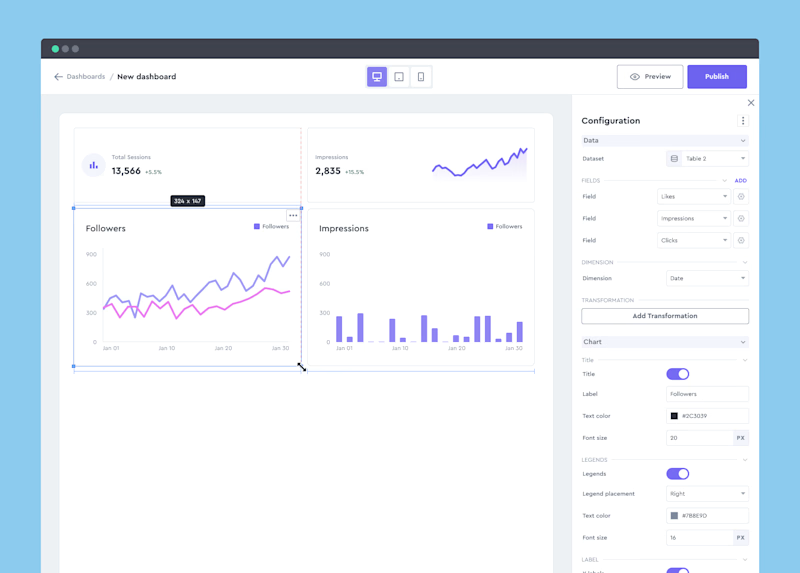
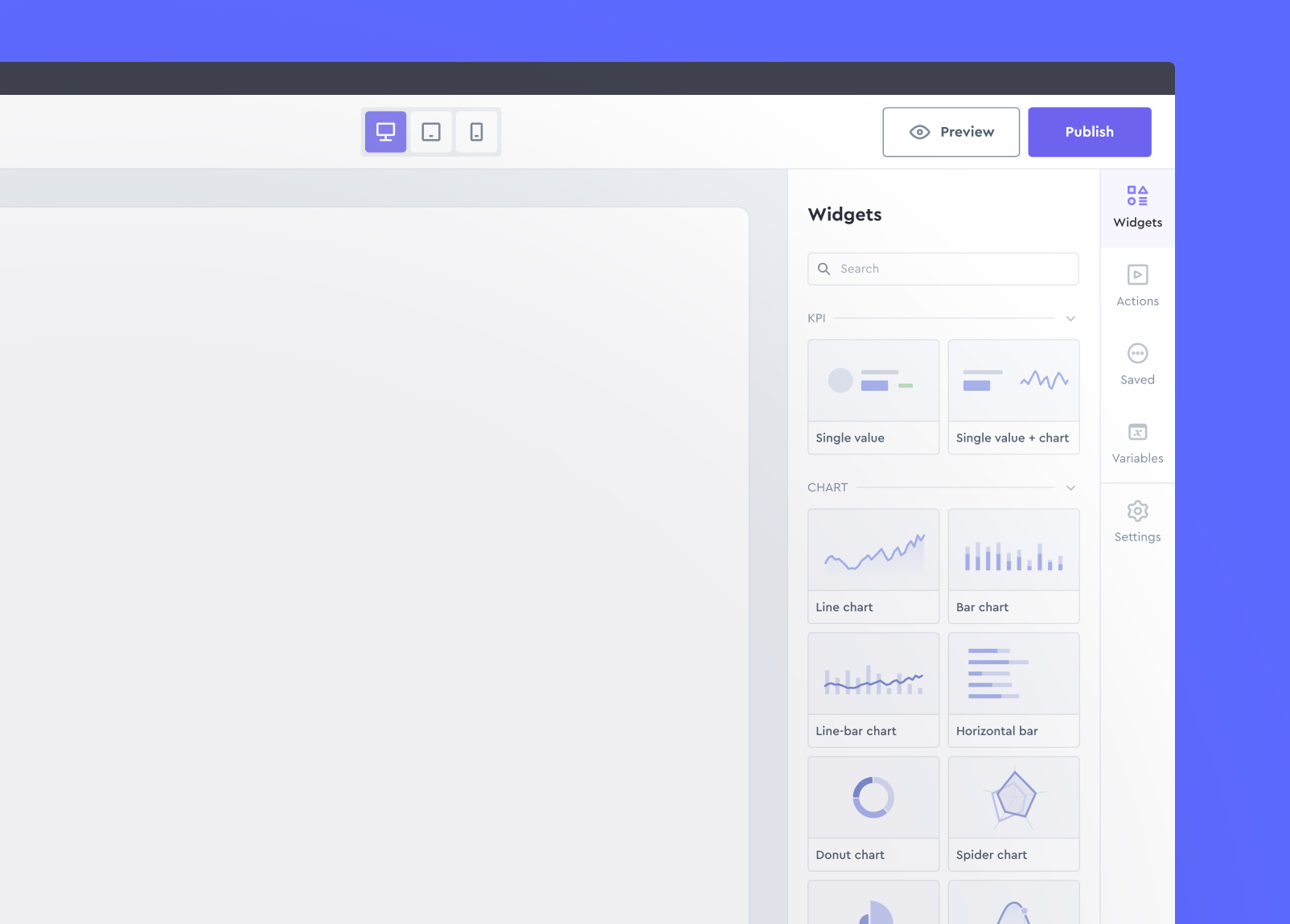
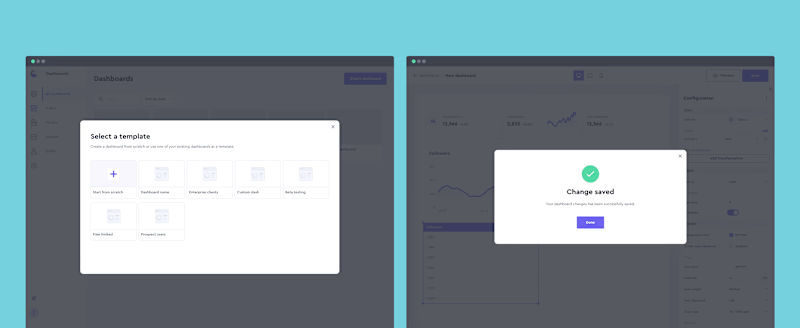
- Widget-based Components: Allowing users to drag n drop components, use, customize them and save them as their custom widgets.
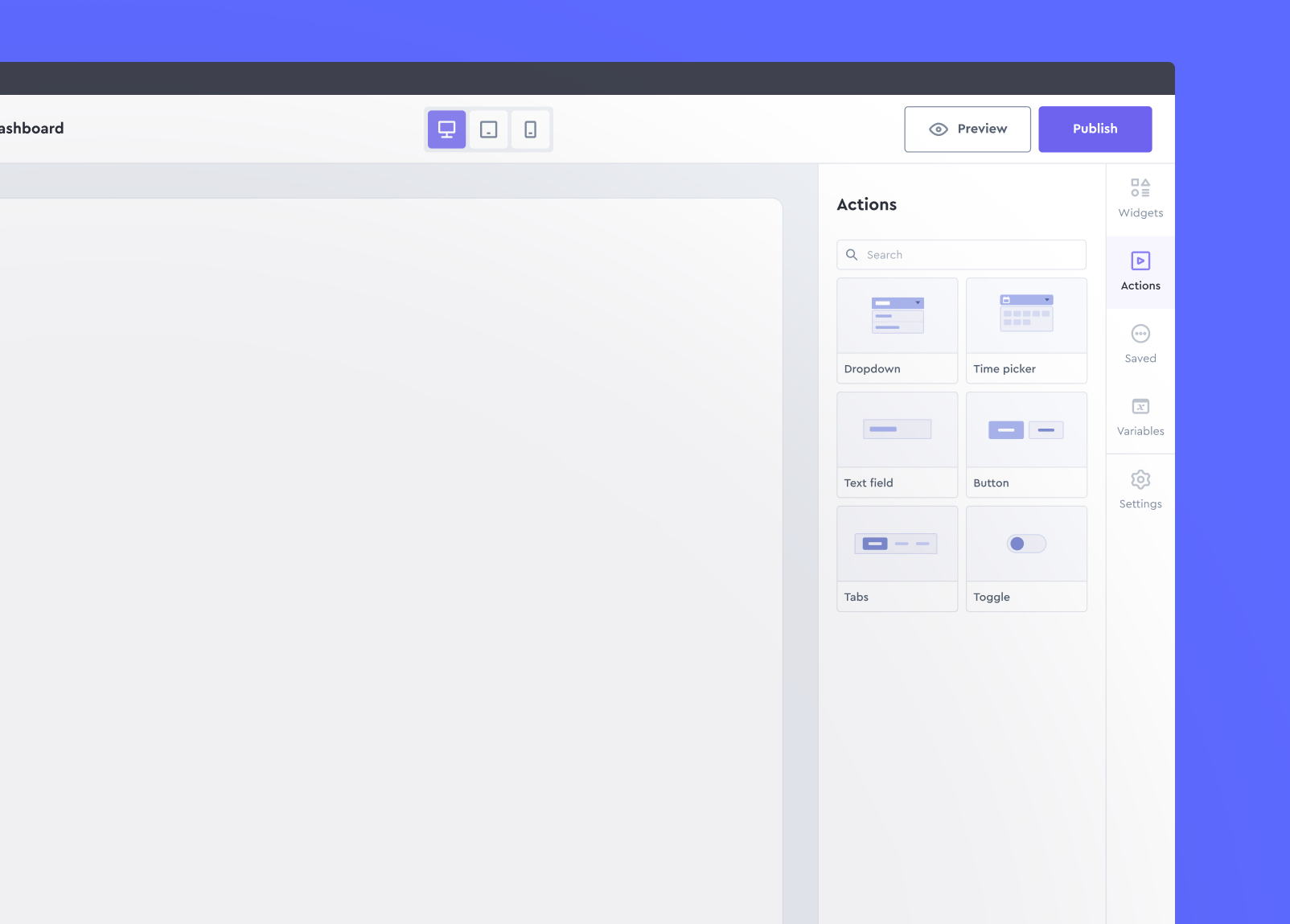
- Action widgets: Allowing users to empower their dashboard by more functionality by action widgets - allowing their users to have more control and capability in their dashboard views.
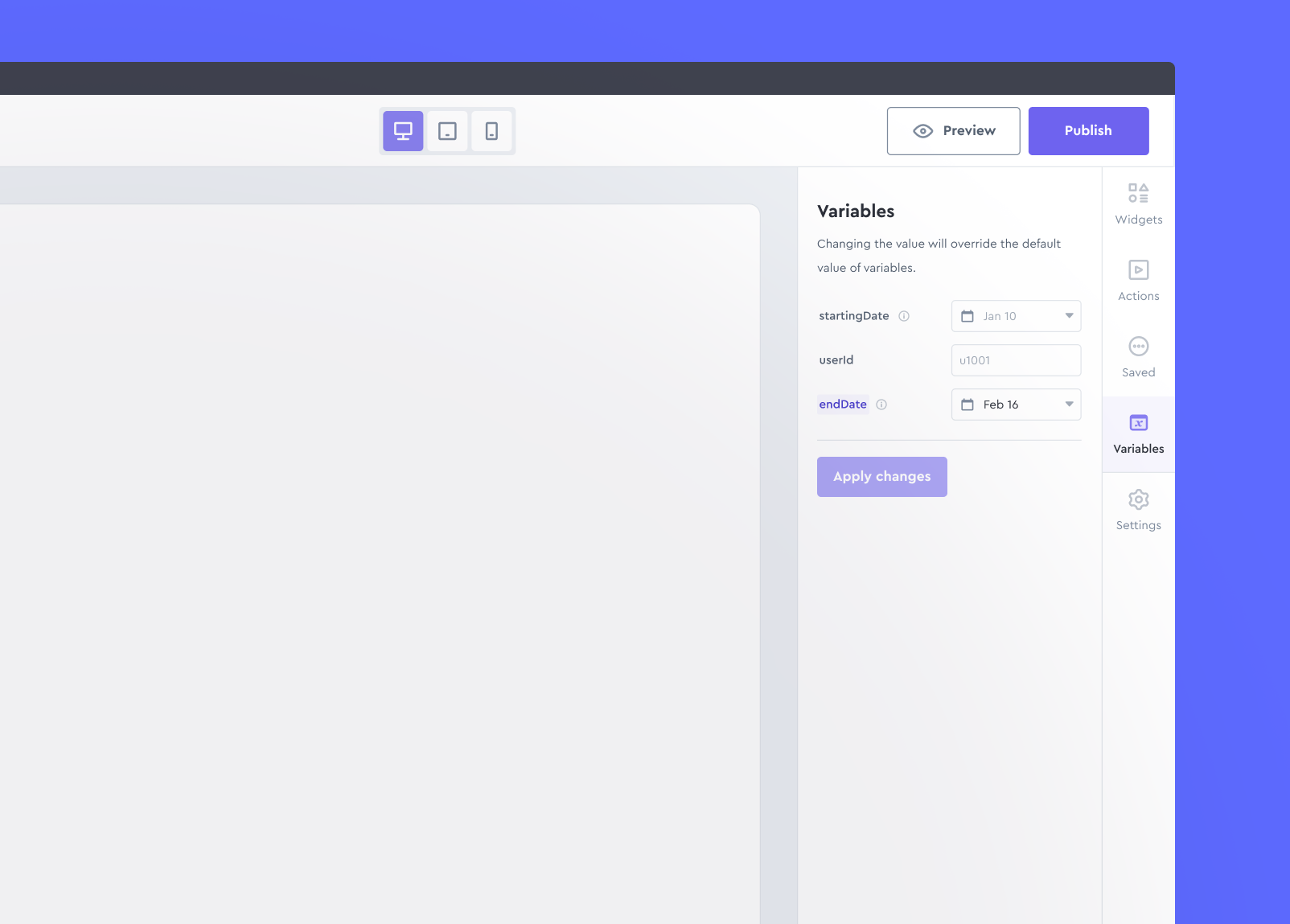
- Dynamic variables: Allowing users to empower their dashboards using dynamic variables they can define and use across their dashboards.
Design System
We wanted a scalable and consistent design, so we:
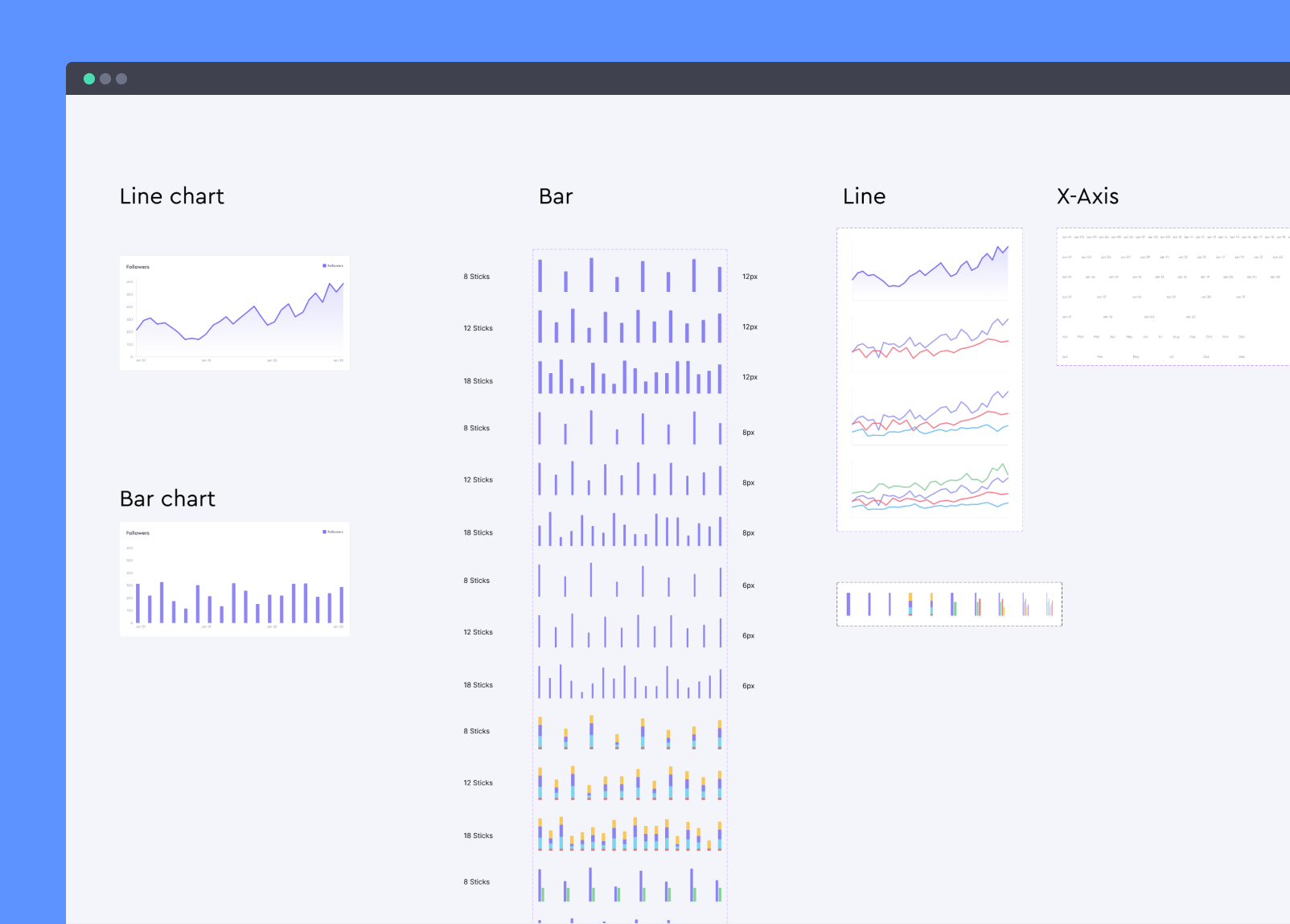
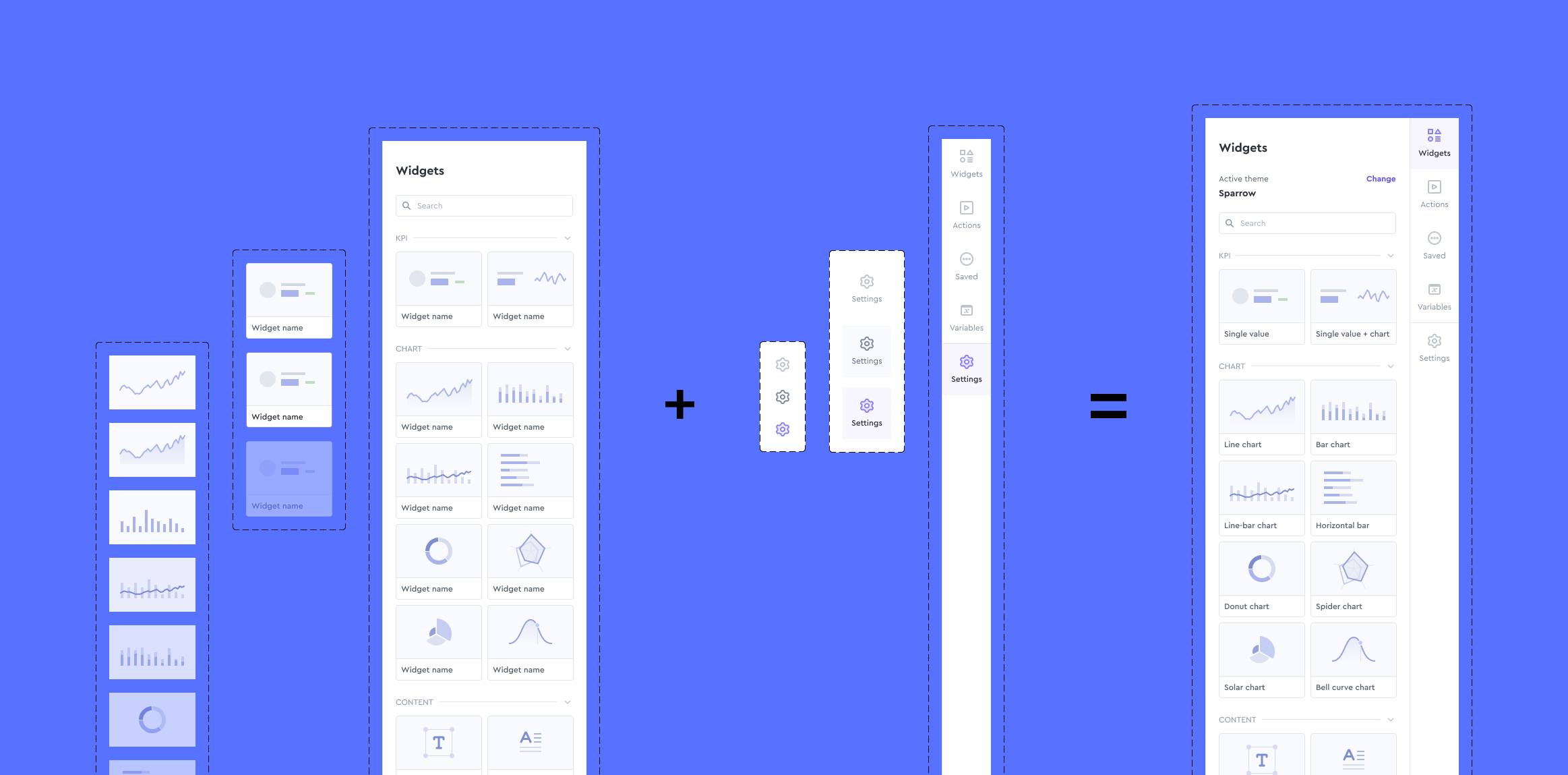
- Componentized Design System on Figma: Started from scratch.
- Used an Atomic Design Approach: Ensured scalability by organizing components from simple to complex.
- Customized Chart.js Components: Integrated data visualization elements for a unique touch.
Outcome
In the end, we delivered an app that lets founders build dashboards without writing a single line of code. The feedback was fantastic—users loved how quickly they could get something up and running.
Reflection
This project was a blast and a great learning experience. It reinforced the power of user feedback and the importance of iterating based on real-world use. If I could go back, I'd involve users even earlier in the process.
Conclusion
Reporting.dev is now helping founders save time and focus on what they do best. For me, it was a rewarding journey that highlighted why I love product design: solving real problems for real people.